
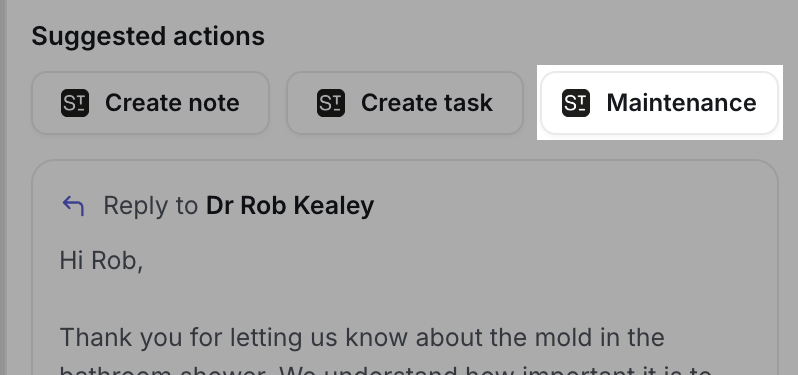
Maintenance sits with the other Street actions under Suggested actions.
Log a request
Click Maintenance and Lanten opens a Log maintenance request in Street form, already filled in from the email: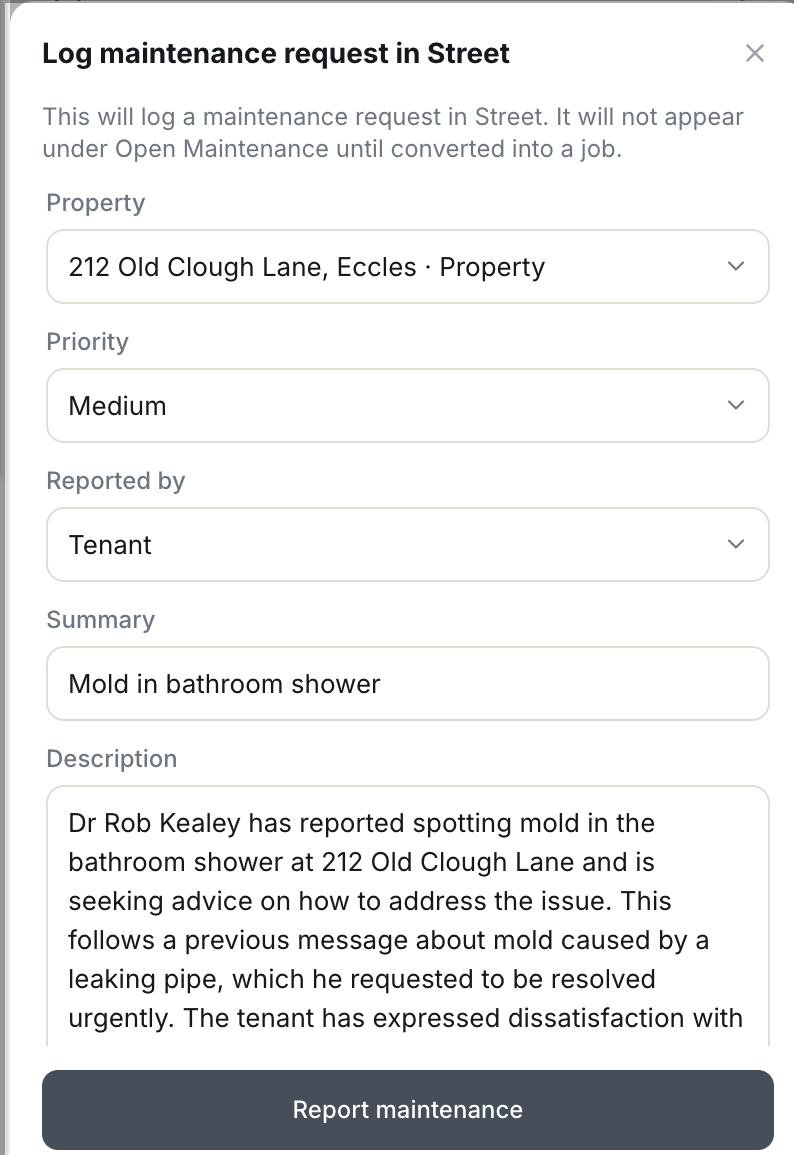
Every field is pre-filled from the email — check it and log.
- Property — matched from the email; the property the request is logged against
- Priority — Lanten’s read of urgency; change it if needed
- Reported by — who raised it (e.g. Tenant)
- Summary — a short title, drawn from the subject
- Description — the detail, written up from the email thread
This creates a maintenance request, not a job. A logged request won’t show under Open Maintenance in Street until someone converts it into a job there. Street’s API doesn’t currently support creating maintenance jobs directly, so Lanten logs the request for your team to triage and convert.