
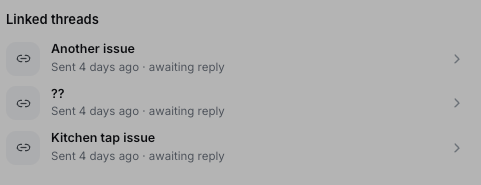
A tenant's email — and every other open conversation about the same property, right underneath.
The moment it clicks
A tenant emails: “Any update on the boiler? It’s been a week.” Without Lanten, you’d search your inbox for the contractor’s name and hope. With Lanten, the contractor’s thread about that job — “Part’s on order, fitting Thursday” — is sitting in Linked threads on the tenant’s email. You reply to the tenant with a real answer in one step, without leaving the thread.Where it lives
Linked threads sits in the panel between the sender’s record and Suggested actions. Click any linked thread to open it — and the status line under each one (“awaiting reply”, “sent 4 days ago”) tells you where things stand before you do. When there’s nothing related yet, you’ll see “No previous threads with this sender”.Use it for
- Chase-ups — answer “any update?” with the actual update, sourced from the other side of the conversation
- Handovers — opening a colleague’s thread cold? The related threads are the backstory
- Disputes — the “you never told me” conversations, where the thread that proves otherwise is one click away