
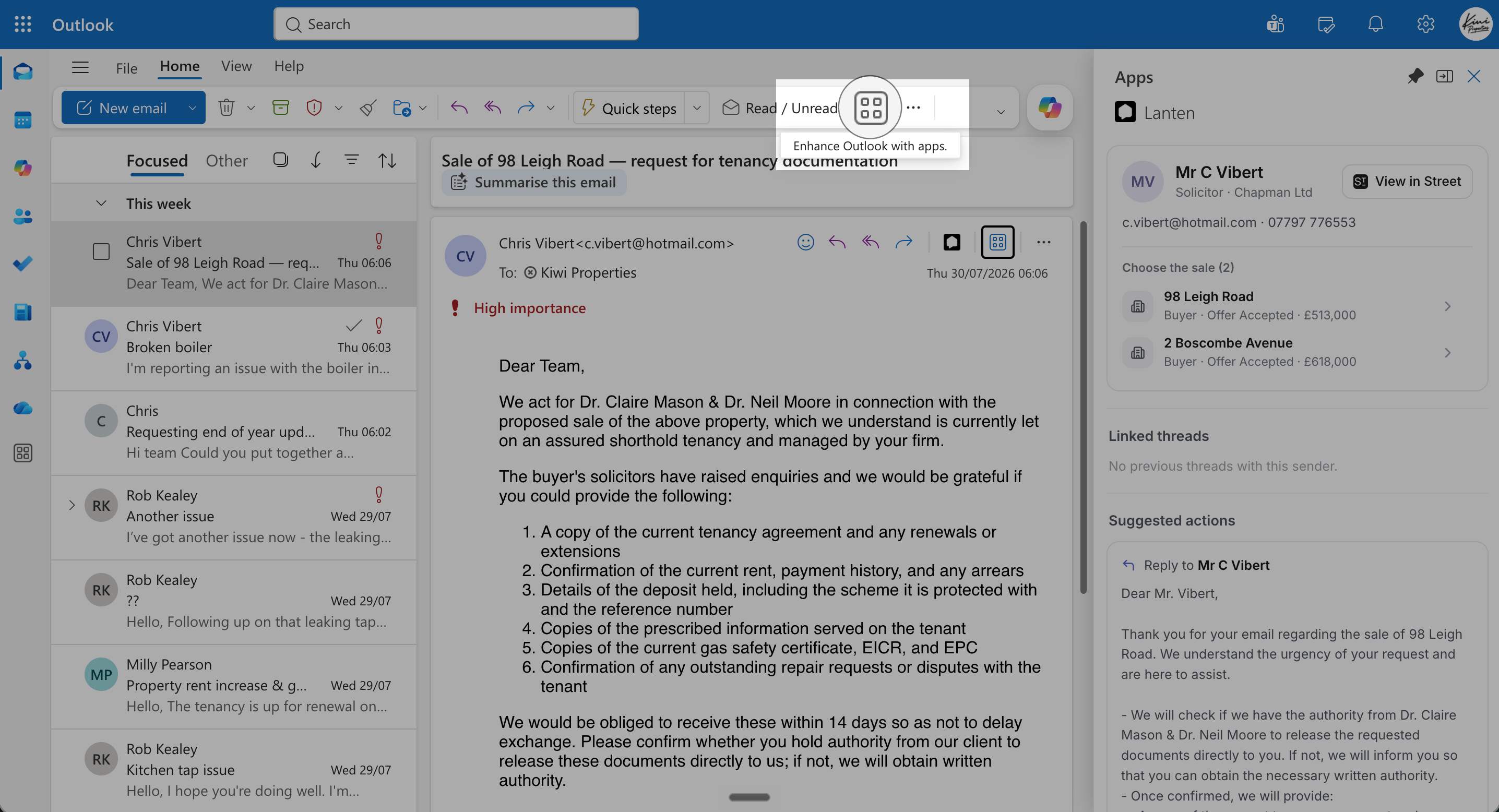
Without customising, Lanten lives behind the Apps button.
This is about the icon on each message. To keep the whole panel open as you move between emails, pin it — the two work well together.
Surface Lanten
- New Outlook (Windows)
- Outlook on the web
- Classic Outlook (Windows)
- Outlook for Mac
- Click the Settings gear (top-right).
- Go to Mail → Customise actions.
- Under the message surface actions, tick Lanten.
- Save. Lanten’s icon now appears on every message you read.