
Send an invite
Go to app.lanten.ai → Team, enter their name and email, choose a role, and click Invite.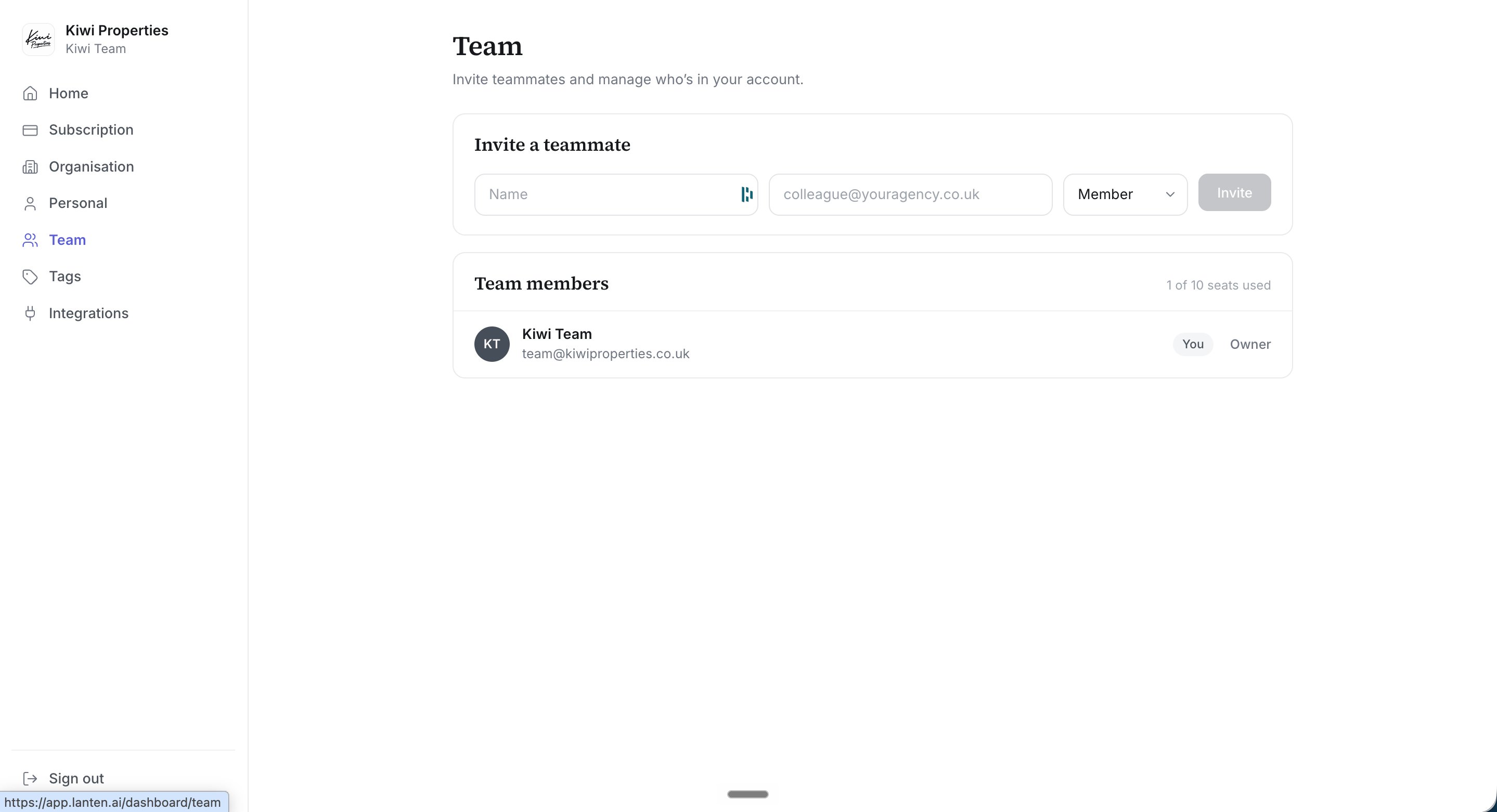
The Team page: invite teammates and see your seats at a glance.
Roles
- Owner — full access, including billing and team management
- Member — everyday use of Lanten
What your teammate experiences
- They receive an invite email and click through to register — their account joins your team automatically.
- They connect their own Outlook (that’s per-person; see Connecting Outlook).
- They install the add-in and pin it.
On the Team plan, seats are billed per user with a minimum of 3 — see current pricing.