
Your free trial
Every account starts with a 7-day free trial — no card needed. While it runs, a banner in the dashboard counts down and shows the date to subscribe by. Nothing is charged unless you choose a plan.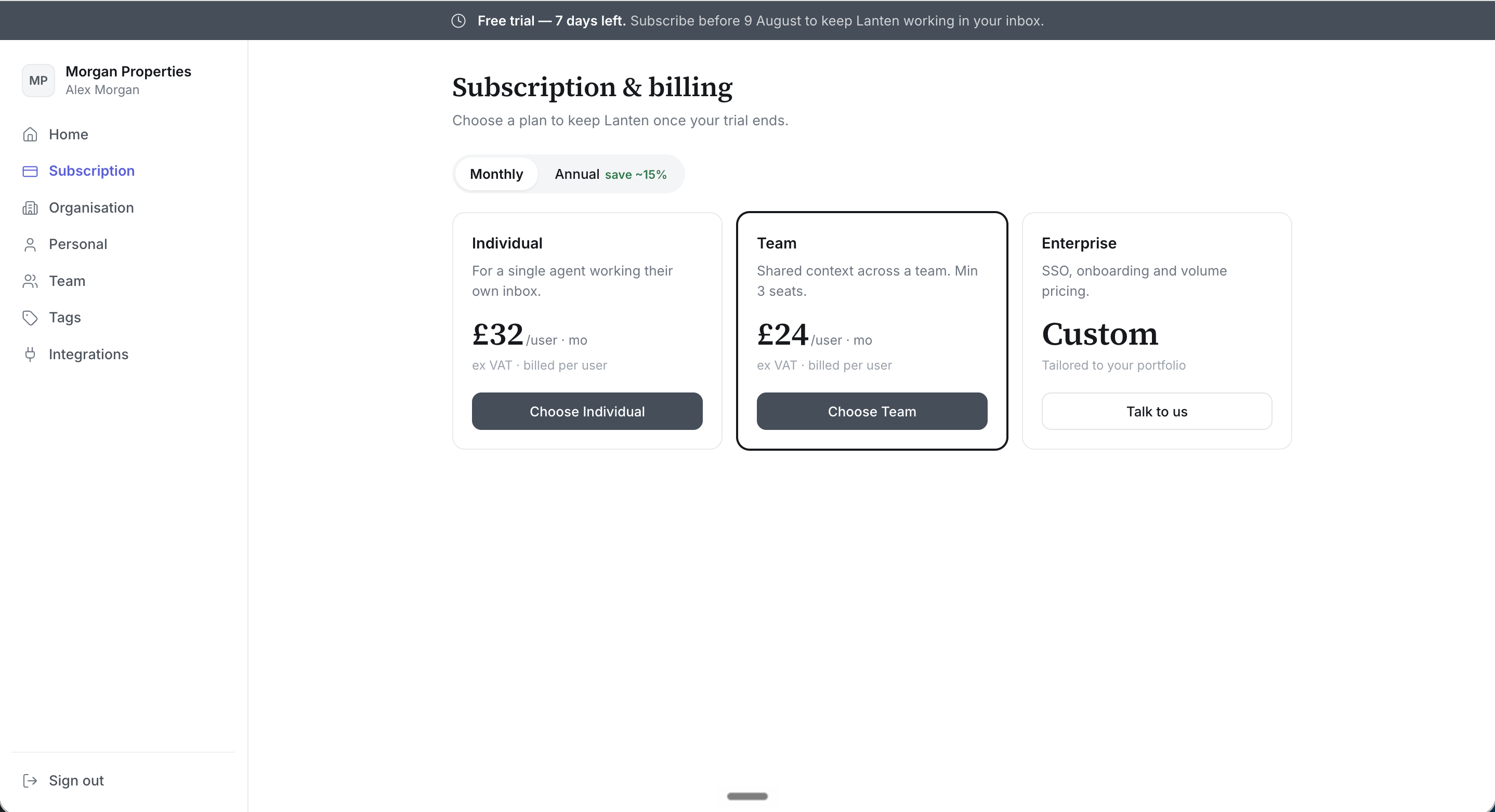
The trial banner shows exactly how long you've got.
Choosing a plan
In app.lanten.ai → Subscription, pick monthly or annual billing (annual saves roughly 15%) and choose:- Individual — a single agent working their own inbox
- Team — shared context across a team; minimum 3 seats
- Enterprise — SSO, onboarding and volume pricing; talk to us
Managing an active subscription
Billing is handled by Stripe. From the Subscription page you can:- Change plan — switch tier or billing period
- Manage seats — add or remove seats as the team changes
- Invoices & payment method — via the Stripe billing portal
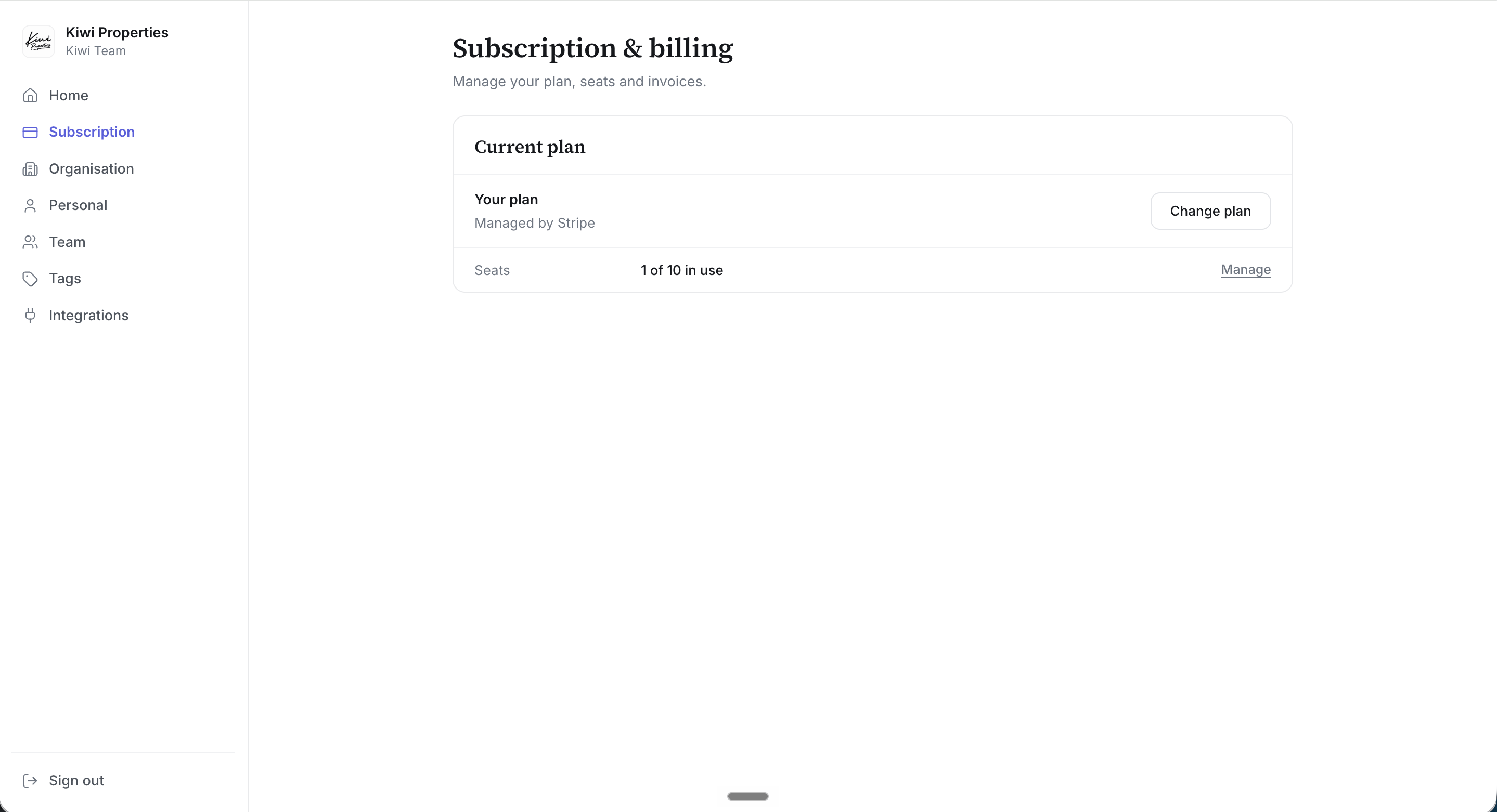
Plan, seats and invoices in one place.