> ## Documentation Index
> Fetch the complete documentation index at: https://help.lanten.ai/llms.txt
> Use this file to discover all available pages before exploring further.
# Organisation & personal settings
> Your agency's details and your own, in the dashboard.
Two short settings pages in [app.lanten.ai](https://app.lanten.ai), two minutes to get right.
## Organisation
**Organisation** holds your agency's details — name, email, phone number and logo — used across Lanten.
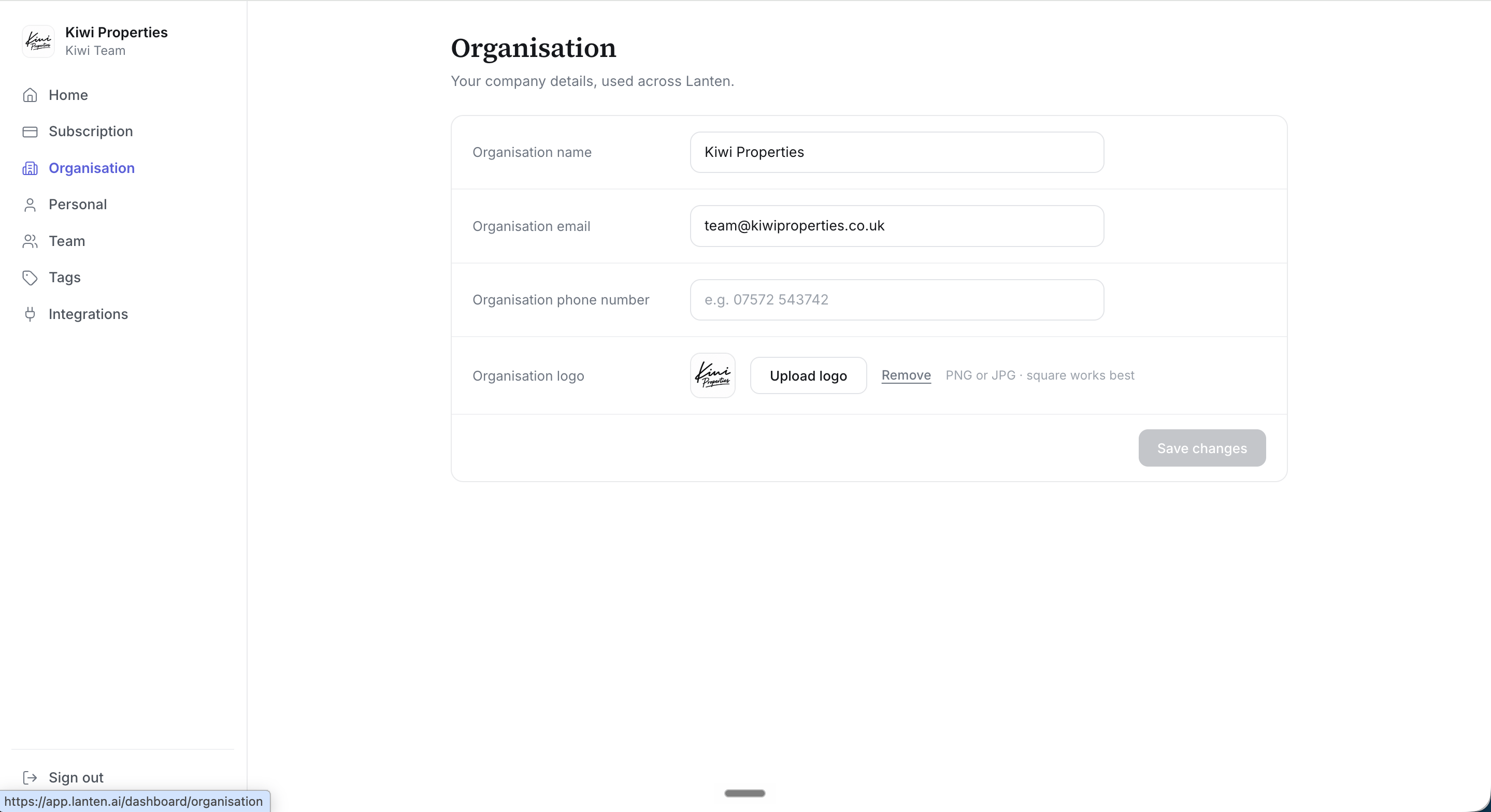 Square logos work best — PNG or JPG.
## Personal
**Personal** is just you: your display name, and the email you log in with.
Square logos work best — PNG or JPG.
## Personal
**Personal** is just you: your display name, and the email you log in with.
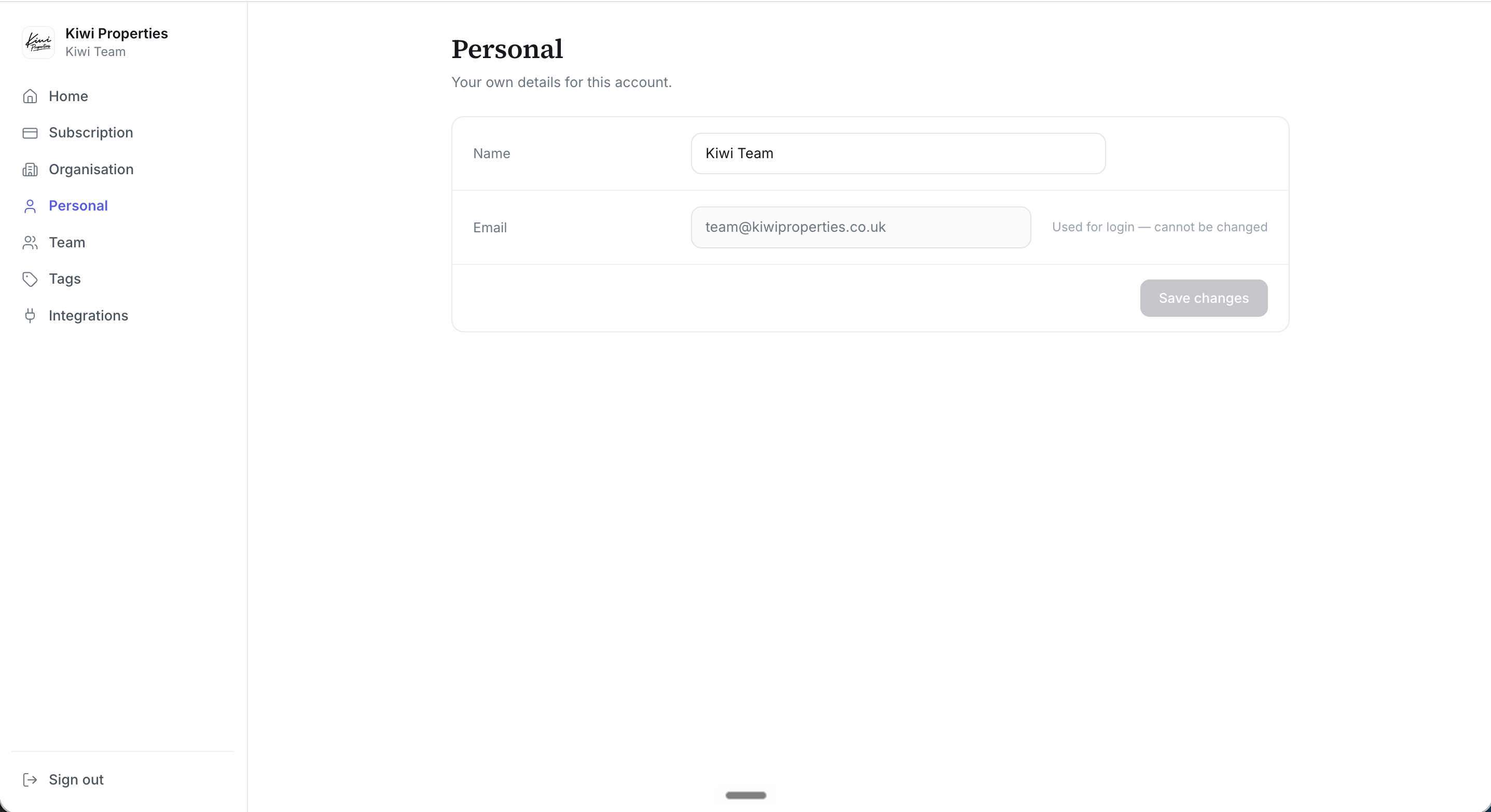 Your login email can't be changed — it's how your account, your Outlook connection and your seat hang together. Need to move to a new address? Invite the new address as a teammate, then remove the old one.